Feature
Every file your church owns,
attached to the right Sunday.
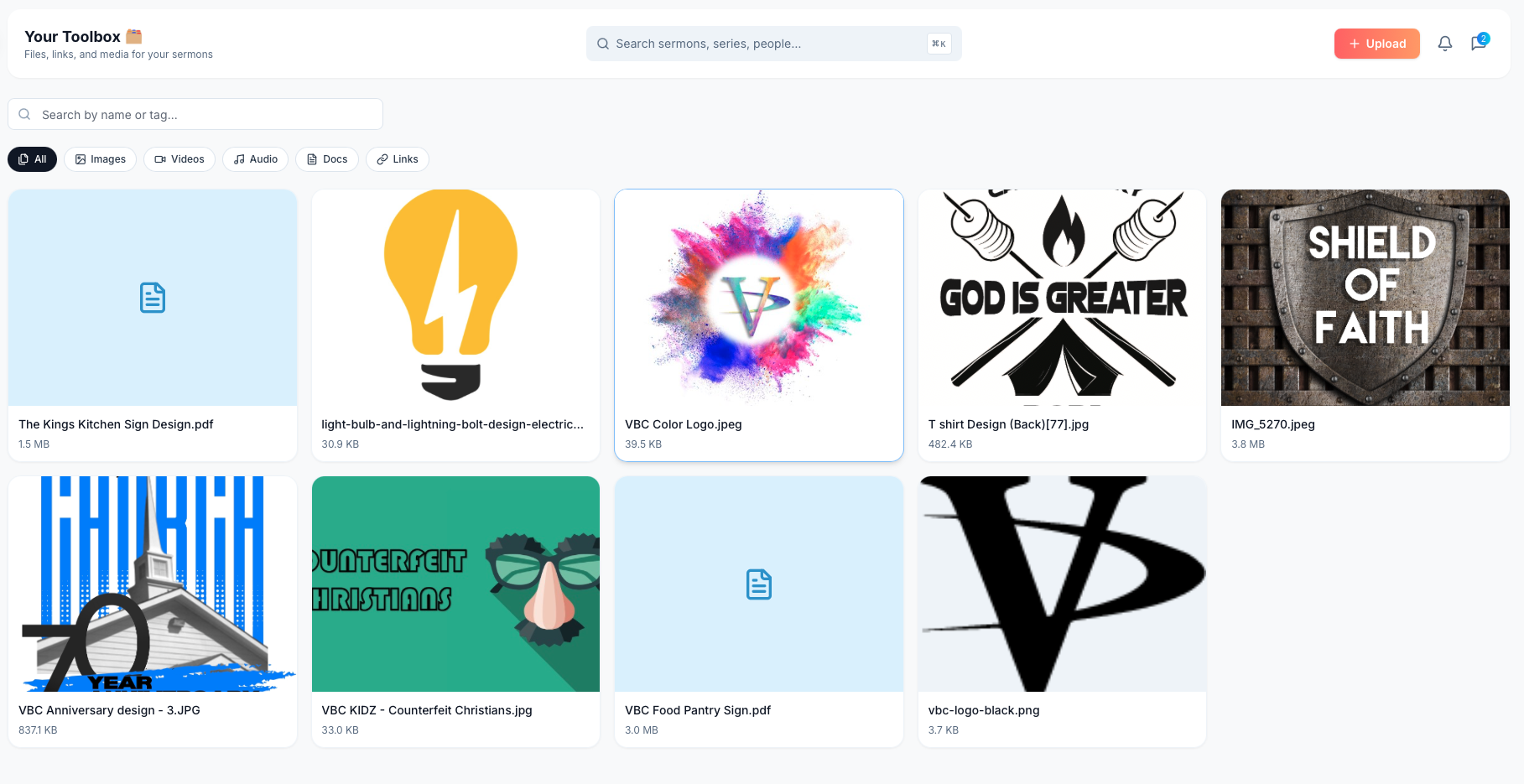
Slides, graphics, logos, PDFs, audio, video, links. Each attached to the sermon or service it's for.
Easter slides on a laptop. Logo in some Dropbox. Bulletin template buried three folders deep.
Files scattered across five Drives, two computers, and a tech director who left in 2023. New season comes, work happens twice.
Toolbox: upload once, attach to the sermon. Next time the passage rolls around, the assets are already there.
Every file type
The formats your team already produces.
- Images, video, audio, PDFs, docs
- External links (YouTube, Drive, Dropbox)
- 25 GB on Team; 200 GB on Church
Attached to the sermon
Upload once, attach where it belongs.
- Sermon-level attachments
- Service-level attachments
- Series-level reuse
Search and filter
Type, tag, name. Surface what you need fast.
- Full-text search
- Filter: Images, Videos, Audio, Docs, Links
- Tag by season, series, theme
Stop recreating last year's graphic
Christmas Eve template? Already there, tagged and ready.
- Reuse across services and seasons
- Permission-based access
- Versioning, latest on top
How it fits the week
- 1
Upload your files
Drag in slide decks, logos, audio, PDFs from wherever they live now.
- 2
Tag and categorize
By series, theme, or season. No folders required.
- 3
Attach to a sermon
Files appear inline next to the sermon outline and team tasks.
- 4
Reuse without hunting
Next Easter, baptism, funeral: assets surface when you create the service.
Try it on this Sunday.
Free for solo pastors. Five-minute setup for teams.